

Traffic Lights
Requirements
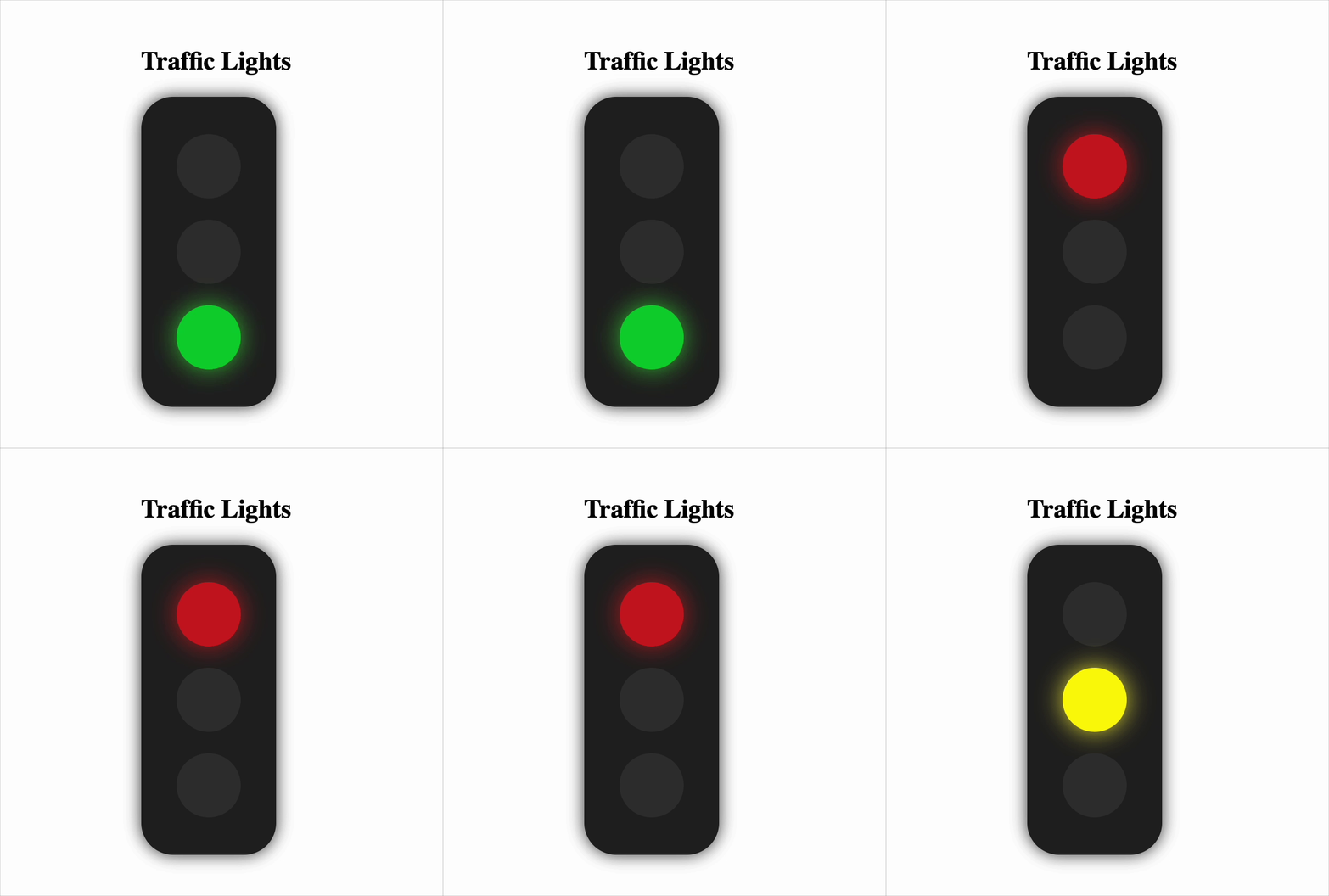
This component simulates a real-world traffic light that cycles through red, yellow, and green automatically. Follow the detailed instructions below:
Initial Light State
- When the component loads, the red light must be active.
- This is the default starting state.
Automatic Light Transition (Cycle Logic)
-
The traffic light must change colors automatically in this sequence:
- Red → Yellow after 3 seconds
- Yellow → Green after 1 second
- Green → Red after 2 seconds
-
This cycle must continue indefinitely in a loop.
-
Use a timer (e.g.
setTimeout) to manage the delays between transitions.
Only One Light Active at a Time
- At any moment, only one light should appear as active (glowing).
- No two lights should be active together.
CSS Class Names for Styling
-
Each light should be a
<div>with a base class:circle. -
When a light is active, add a class to make it glow:
- Red light →
red-on - Yellow light →
yellow-on - Green light →
green-on
- Red light →
-
Example when red is active:
className="circle red-on"
5. Component Title
- Add a title at the top of the component: Traffic Lights
- It must be rendered with:
data-testid="title"
6. Component Structure & Test Identifiers
-
The outer container must have:
- Class:
traffic-light - Test ID:
data-testid="traffic-light"
- Class:
-
Each light must be a child
<div>with a uniquedata-testid:- Red Light:
data-testid="red-light" - Yellow Light:
data-testid="yellow-light" - Green Light:
data-testid="green-light"
- Red Light:
Reference UI
Companies:
Solve Similar questions 🔥
Want to upskill? Explore our courses!

Namaste AI
Learn to build modern AI applications with real-world projects.

Namaste DSA
Master DSA from scratch with numerous problems, and expert guidance.

Namaste React
Wanna dive deep into React and become Frontend Expert? Learn with me now!

Namaste Frontend System Design
The most comprehensive and detailed course for frontend system design.

Namaste Node.js
Wanna dive deep into Node.js? Enroll into `Namaste Node.js` now!