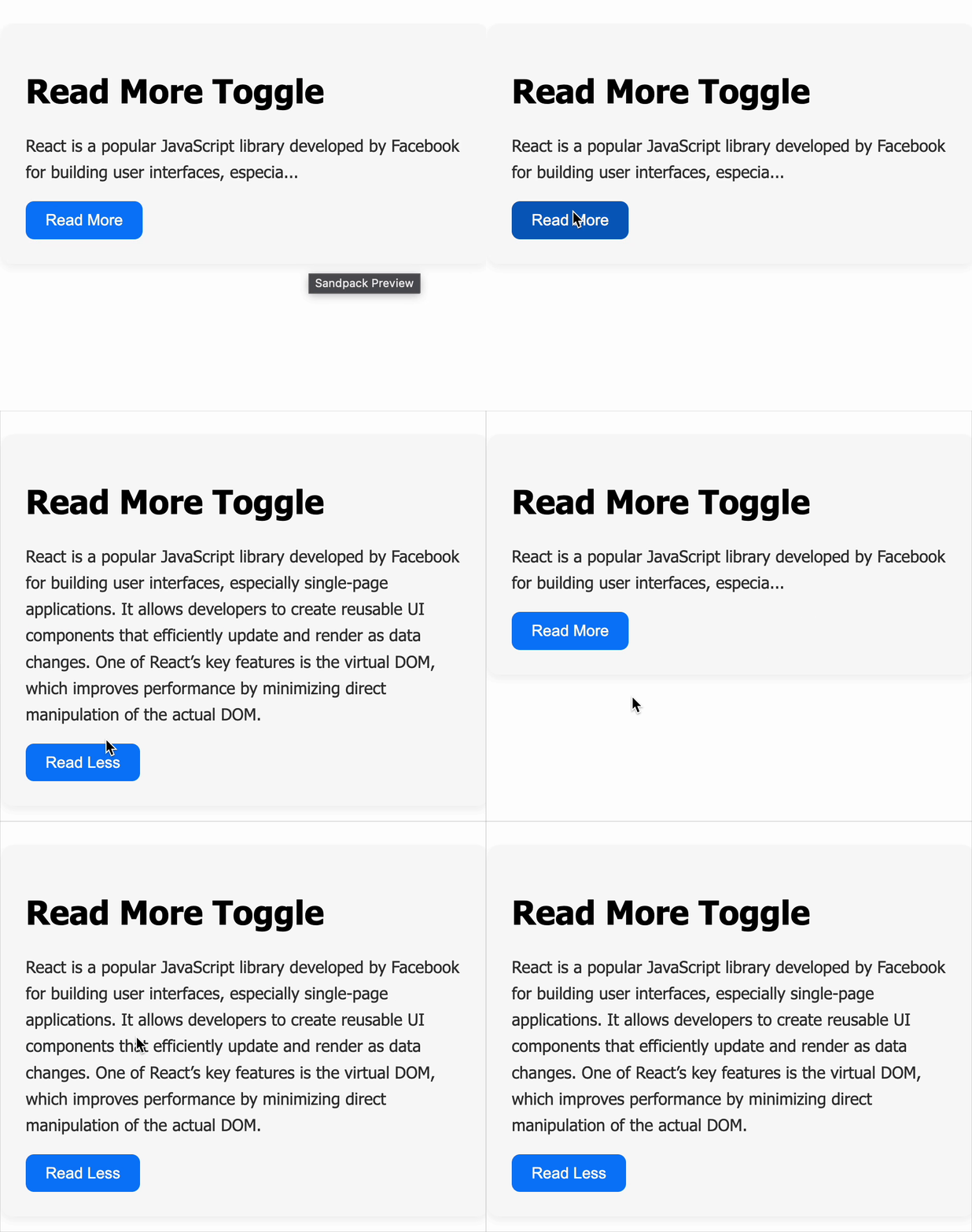
Create a React component that displays a paragraph of text and allows users to expand or collapse it. The component should display a truncated version of the text by default, with a button to toggle between "Read More" and "Read Less". This improves readability and user experience, especially for long content blocks.
Requirements
- The component must:
- Display a short preview of a longer paragraph initially (e.g., first 100 characters followed by "...").
- Show the full text when toggled.
- Provide a button labeled "Read More" when the text is collapsed.
- Change the button label to "Read Less" when the full text is expanded.
- Toggle the text content and button label immediately on click.
Data Test IDs (Required for Testing)
data-testid="readmore-text": The paragraph element displaying either truncated or full text.data-testid="readmore-button": The button used to toggle the text expansion.
Reference UI