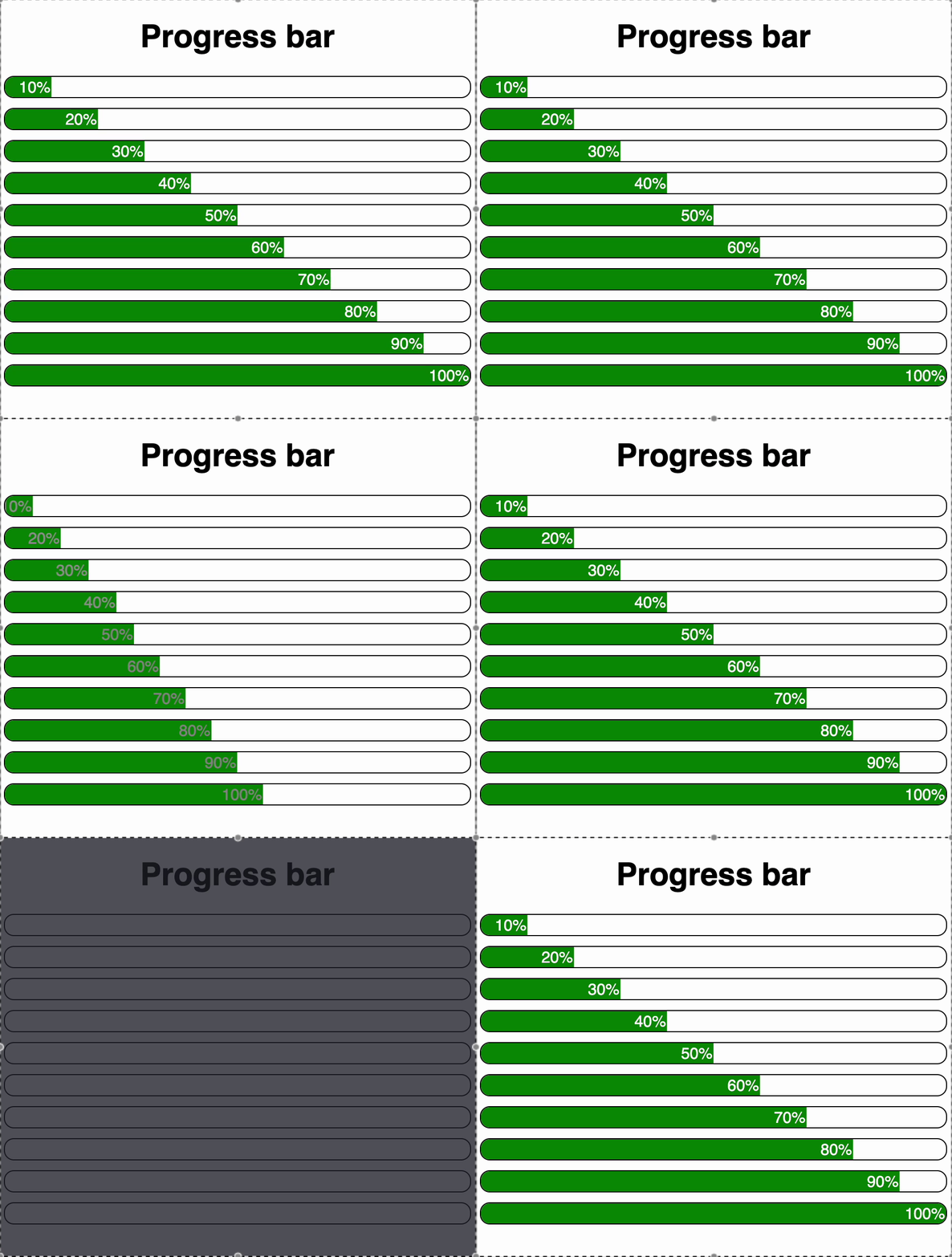
You're given a task to display a list of progress bars with different percentage values (10%, 20%, ..., 100%). Each progress bar should:
-
Animate to the given percentage after a delay of 1 second.
-
Visually fill the bar based on the percentage using a CSS transform.
-
Display the numeric progress as text (e.g., "20%").
-
Show the text color as:
- Black if progress is less than 5%.
- White otherwise.
-
Have a green background and smooth animation using CSS transitions.
You are provided with two components:
App.js: Renders a list of ProgressBar components.ProgressBar.js: A single progress bar that updates after 1 second using useEffect.
Your Task:
- The progress bar text updates from
0% to the correct percentage after 100 ms.
- The visual fill (via
transform: translateX(...)) corresponds to the progress value.
- The background color is green.
- Text color should be white > 5 % else black.
- The transition style is smooth (
transition: 0.5s ease-in).
- The update happens with a delay of 100ms.
- It is mandatory for the ProgressBar to have role="progressbar" so it can be properly identified and tested for accessibility and styling.
Reference UI