

Image Gallery
Description
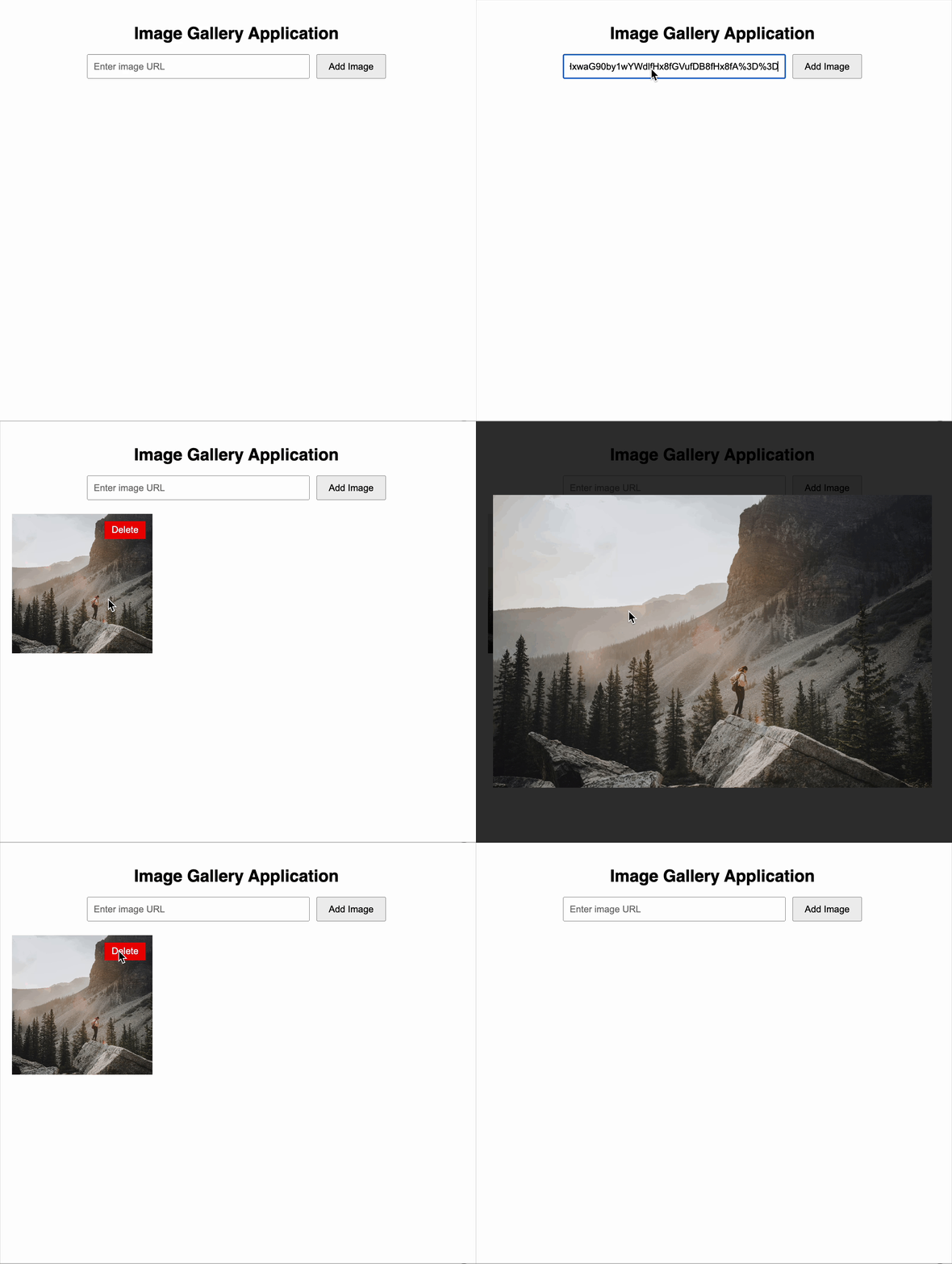
You are tasked with creating a dynamic Image Gallery Application using React. The application should allow users to view, add, and delete images. Each image is represented by a URL. Users can input a URL to add a new image, click an image to view a larger version, and remove any image they wish.
Requirements
Component Structure
- Use React Functional Components to build the application.
- Structure the application with a main
ImageGallerycomponent inside anAppcomponent.
UI Behavior
- Display images in a responsive grid layout.
- Users should be able to:
- Add a new image by entering a URL and clicking a button.
- Delete an image from the gallery.
- Click on any image to open it in a larger view .
Expected Output
- A heading: "Image Gallery".
- An input field with the placeholder text "Enter image URL" and a button labeled "Add Image" for adding image URLs.
- A responsive grid layout displaying all added images.
- A delete button on each image labelled "Delete" for deleting image.
- A modal-style popup must display a larger version of the image when clicked, and the modal <div> must have id="modal" so it can be consistently and accurately targeted in tests.
- The large image view should close when the user clicks outside the image.
Reference UI
Solve Similar questions 🔥
Want to upskill? Explore our courses!

Namaste AI
Learn to build modern AI applications with real-world projects.

Namaste DSA
Master DSA from scratch with numerous problems, and expert guidance.

Namaste React
Wanna dive deep into React and become Frontend Expert? Learn with me now!

Namaste Frontend System Design
The most comprehensive and detailed course for frontend system design.

Namaste Node.js
Wanna dive deep into Node.js? Enroll into `Namaste Node.js` now!