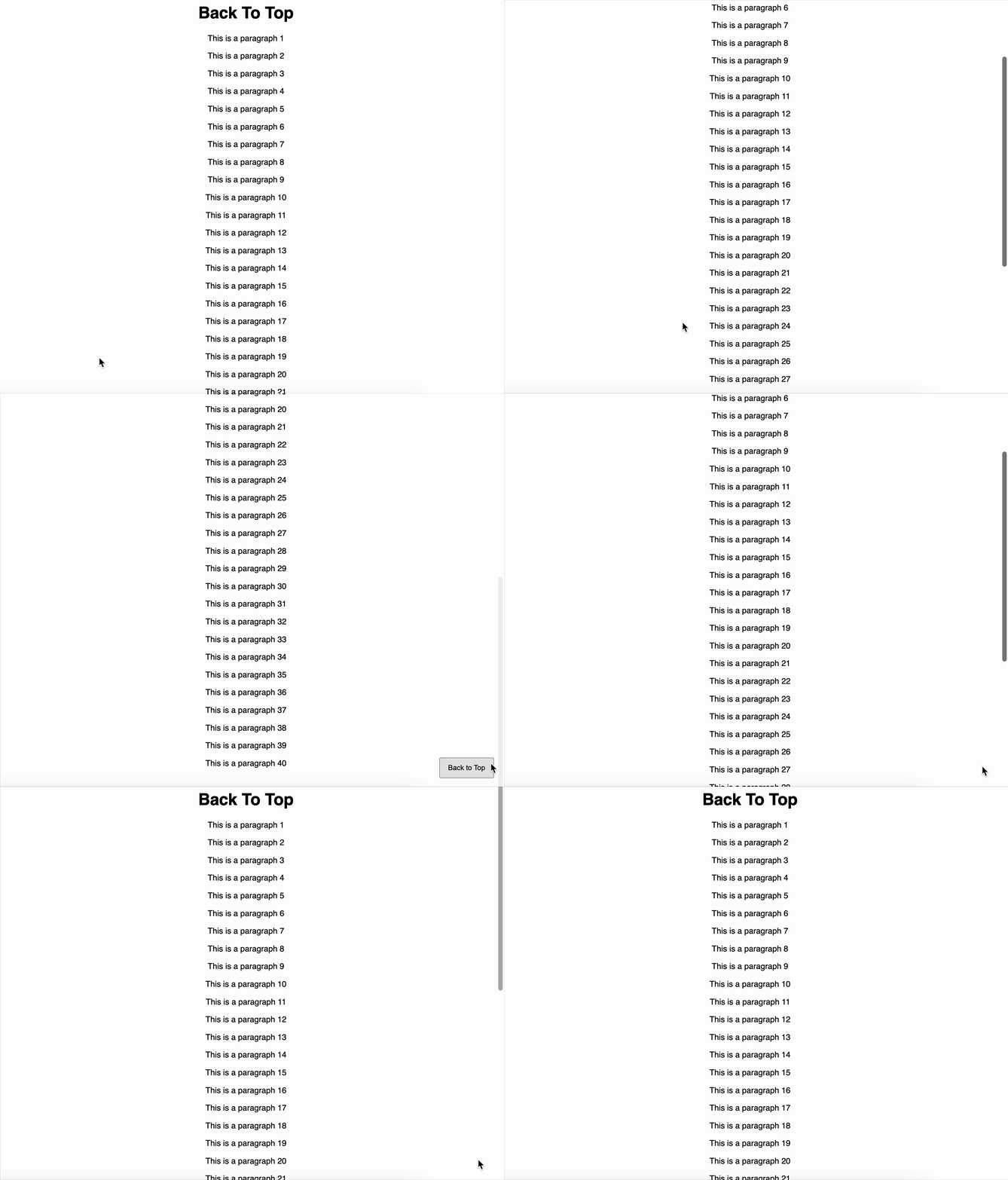
Create a floating Back to Top button that appears when the user scrolls down the page and, when clicked, smoothly scrolls back to the top.
Things to do
- Add a Back to Top button to the page.
- Keep it hidden when the scroll position is near the top.
- Show it only when the user scrolls beyond a certain distance (e.g., 500px).
- When clicked, smoothly scroll the page to the top.
- Make sure the button is positioned so it’s always visible on the screen when shown.
Note
- Ensure the page has enough content to allow scrolling (e.g., multiple paragraphs or elements) so that the Back to Top button can be tested.
Testing Instructions
Please use the following data-testid attributes in your React component:
back-to-top-btn → for the Back to Top button
Reference UI